

This project was created using Adobe XD for Art 288: Interaction Design I.
The prompt of the project was to create a website that informs the user of something they might have not known beforehand. I decided to design a site that informs the user about how to retain their online digital privacy. I created two final prototypes for mobile and web.
I had a really fun time designing this project! This was my first big project with Adobe XD. It was interesting to learn how to use Adobe XD and compare it with Figma.
I had to keep in mind who I was designing this website for when creating it. The user persona I created was essentially a younger member of gen-z who is fluent when it comes to the internet, but does not understand how important it is to keep track of what websites use your data, cookies, and digital literacy. This user has a shorter attention span, so the design needs to be eye catching and split up into different "bursts" to keep their attention.
The main thing I kept in mind during this project was making sure the information was as easy to digest as possible for the user. Since data privacy is a pretty complicated topic, I wanted to split every piece of information into easy-to-understand sections. I also wanted to make sure that each section had a visual element that would make the topic more engaging to the reader.
Part of the project was concurrently designing the mobile version of the site and the web version, so I had to make sure every design choice I made was easily transferrable. I did so by laying drawing out everything on pencil and paper first, and then creating low fidelity wireframes in XD to make sure the spacing of each element was correct. These low-fidelity wireframes also helped me make sure that the sections flowed easily from one into another, and that one section's design was not too jarring to the user.


Designing the logo for Klaus, a YC-backed AI startup, creating a bold, distinctive mark that captures the brand’s personality and establishes the foundation for its visual identity
.png)
Designing an end-to-end TV schedule builder that transforms complex broadcast planning workflows into a fast, intuitive, and scalable product experience for enterprise teams
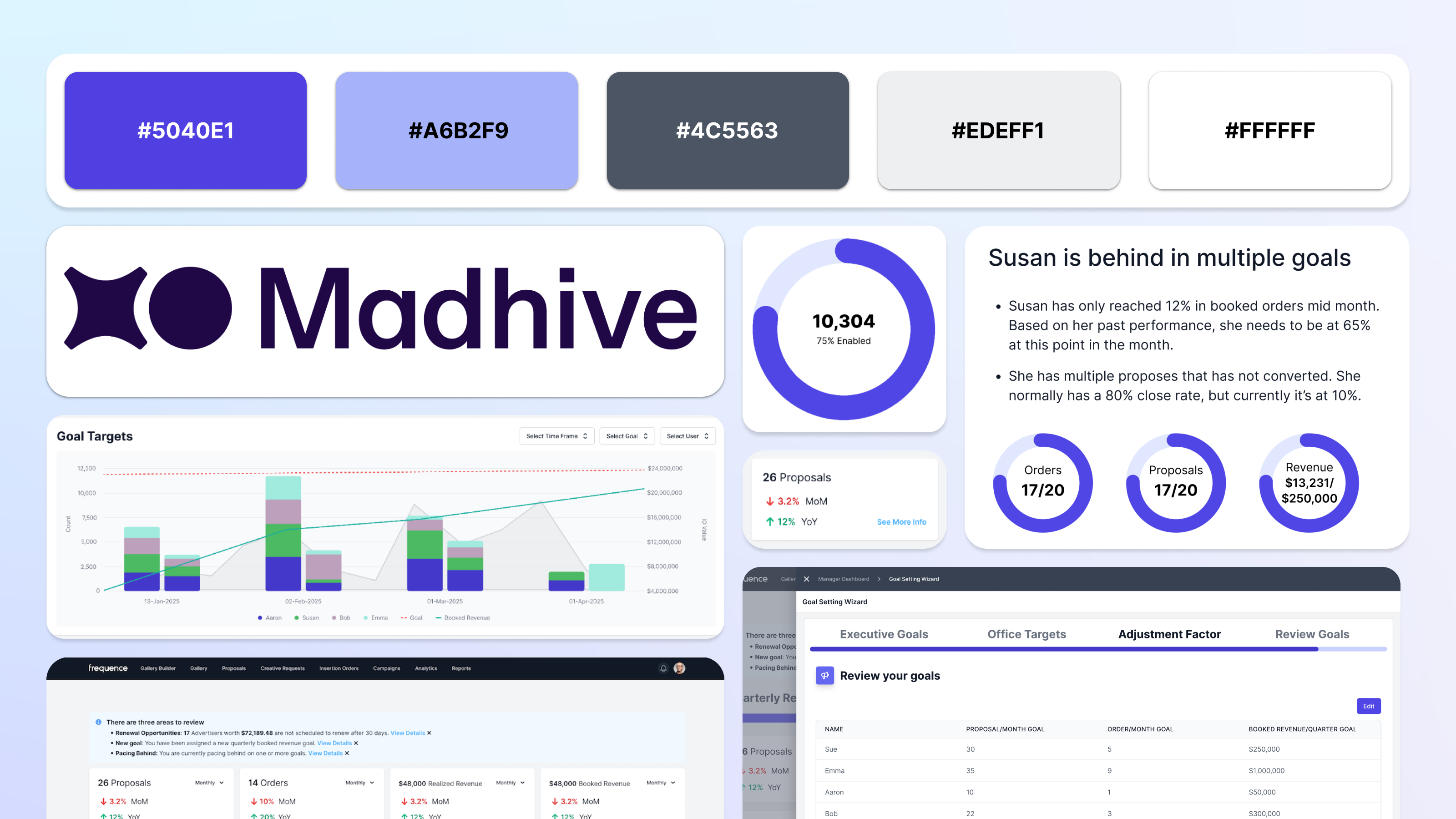
Reimagining sales dashboards with AI-driven insights that help teams identify trends, opportunities, and performance risks
.png)
Building high-impact analytics dashboards that turn complex advertising metrics into clear, confident decision-making
Building high-impact analytics dashboards that turn complex advertising metrics into clear, confident decision-making
.png)
Re-design for Kaiser Permanente's Dentistry website for their services in the State of Oregon.
Created using Adobe XD, this website prototype informs its users about how to retain their online digital privacy.

A redesign of a website I love (but whose UX constantly pains me) Goodreads.
Designing the logo for Klaus, a YC-backed AI startup, creating a bold, distinctive mark that captures the brand’s personality and establishes the foundation for its visual identity

Graphics I created as a designer for KCPR.org - anything from drawings of coffee to Miley Cyrus.

